
Plans, uses tools and checks the result
It works through the task, runs relevant checks and brings back the result with anything that still needs a person’s input.
Who Hodman is for
Hodman gives builders, product people and company owners a different way into the same result: a working project that colleagues can use and an agent that keeps moving it forward.
For builders
What gets in the way
A coding chat can change files. You still have to assemble the runtime, preview, task tracking and release path around it.
What Hodman changes
Hodman gives the agent a web-focused harness with containers, project memory, Kanban, preview and publishing. Build locally in Desktop or start a hosted project.
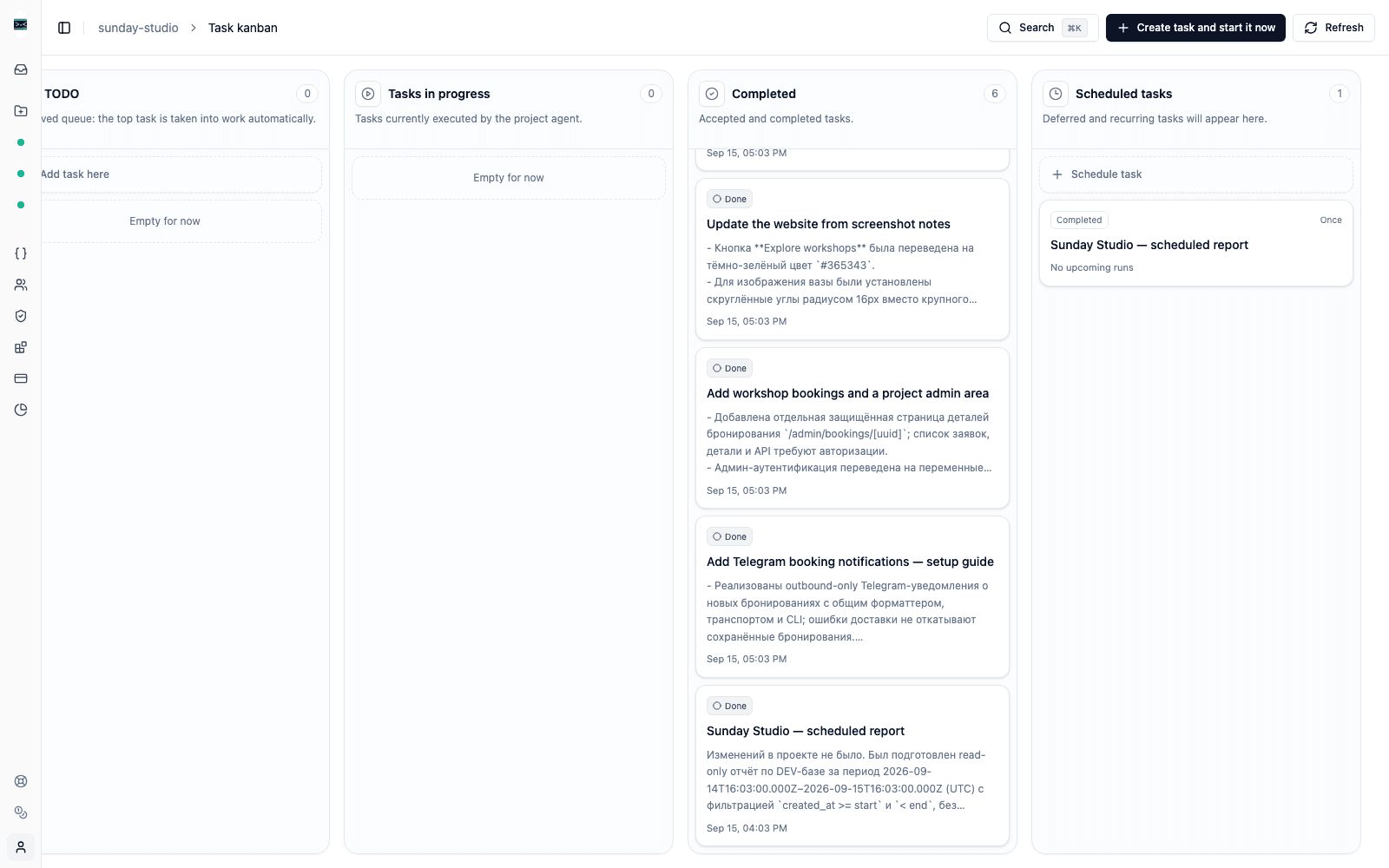
For product and operations
What gets in the way
A useful experiment or internal workflow can spend weeks between a document, the engineering backlog and a static mockup.
What Hodman changes
Describe the outcome and constraints, review a working preview, release it and return to the same project with usage data and feedback.
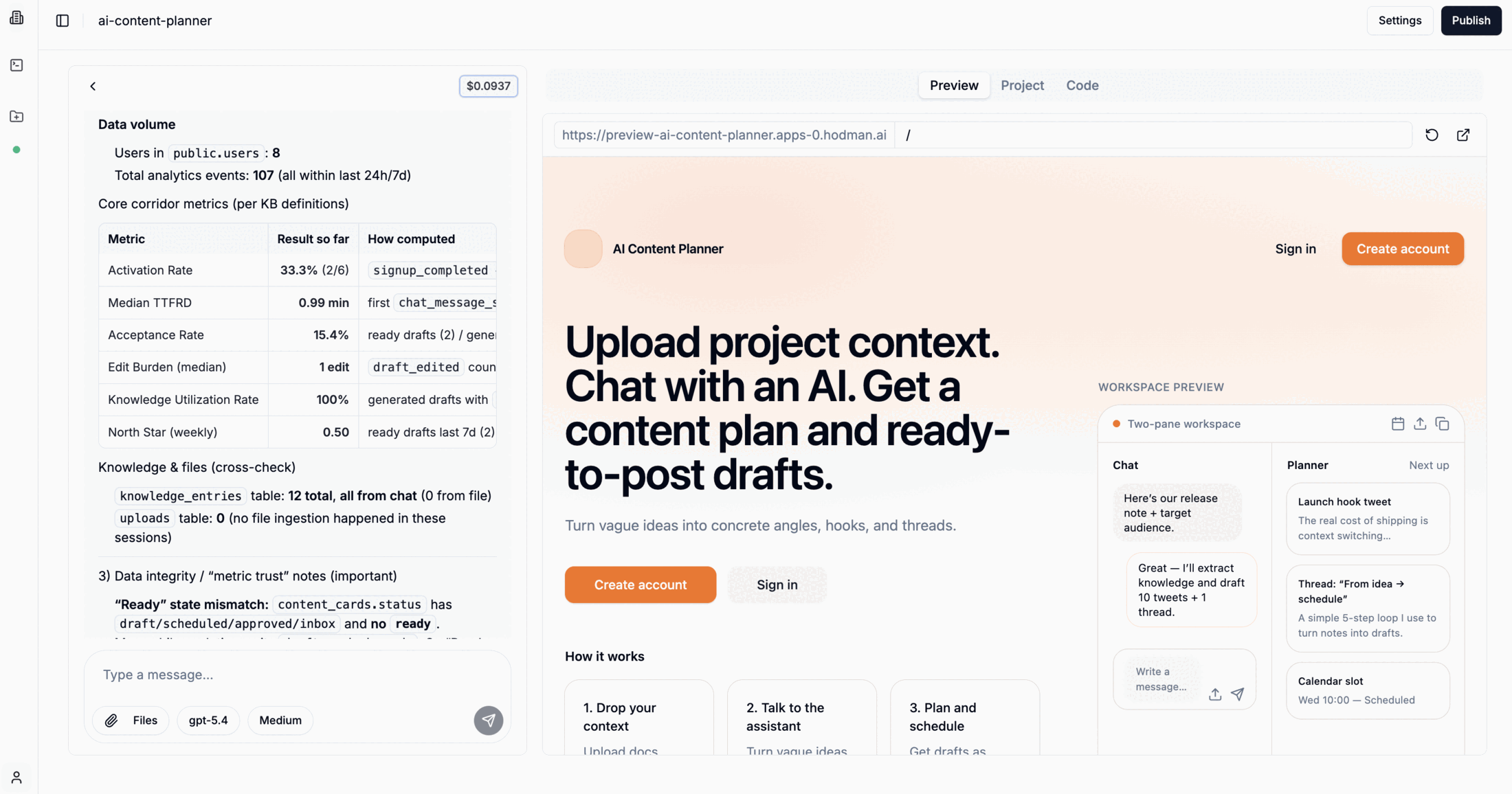
For Codex and Claude Code users
What gets in the way
Your local agent, prompts and workflow may work well for you. Colleagues cannot use the result while it lives on your laptop or inside one coding session.
What Hodman changes
Add the Hodman Skill, sign in and ask your coding agent to bring the setup, workflow or repository into Hodman. The result gets a runtime, a URL and shared project tasks.
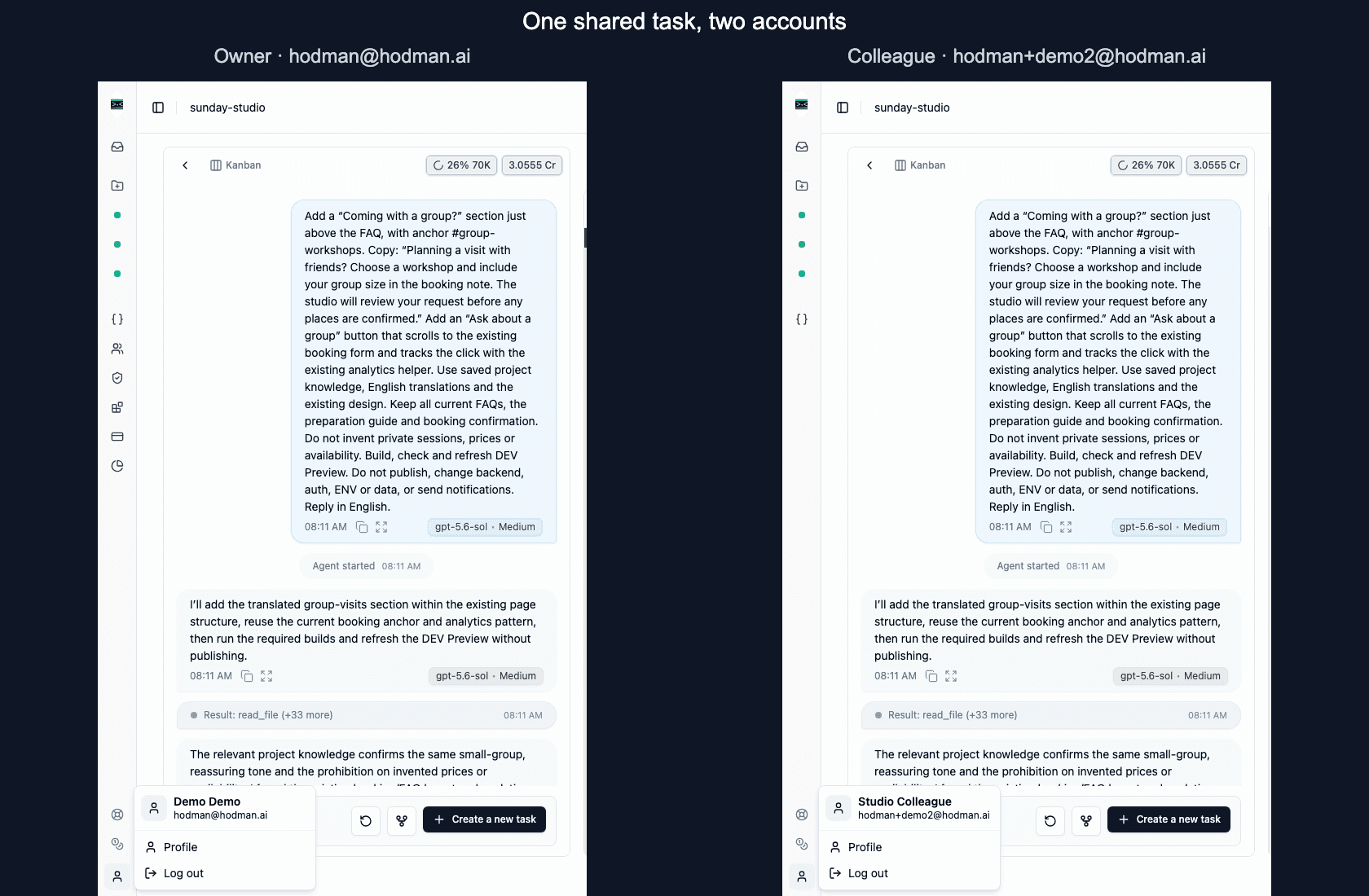
For founders and AI champions
You already use AI to get work done. Now you want a colleague to experience it on a task they care about, without having to build their own setup first.
Create an AI teammate in Hodman, give it instructions and connect the tools that person needs. They can send it a task in Telegram, Slack, Microsoft Teams, Mattermost or the web workspace, review the result and keep the conversation going.
 Telegram
 Slack
Slack Microsoft Teams
 Mattermost
Connect your supported ChatGPT subscription as the project’s AI source. Teammates can work with that agent using the source you’ve connected, without setting up their own AI payment method for the project. Your subscription’s usage limits still apply; the Hodman workspace plan is separate.
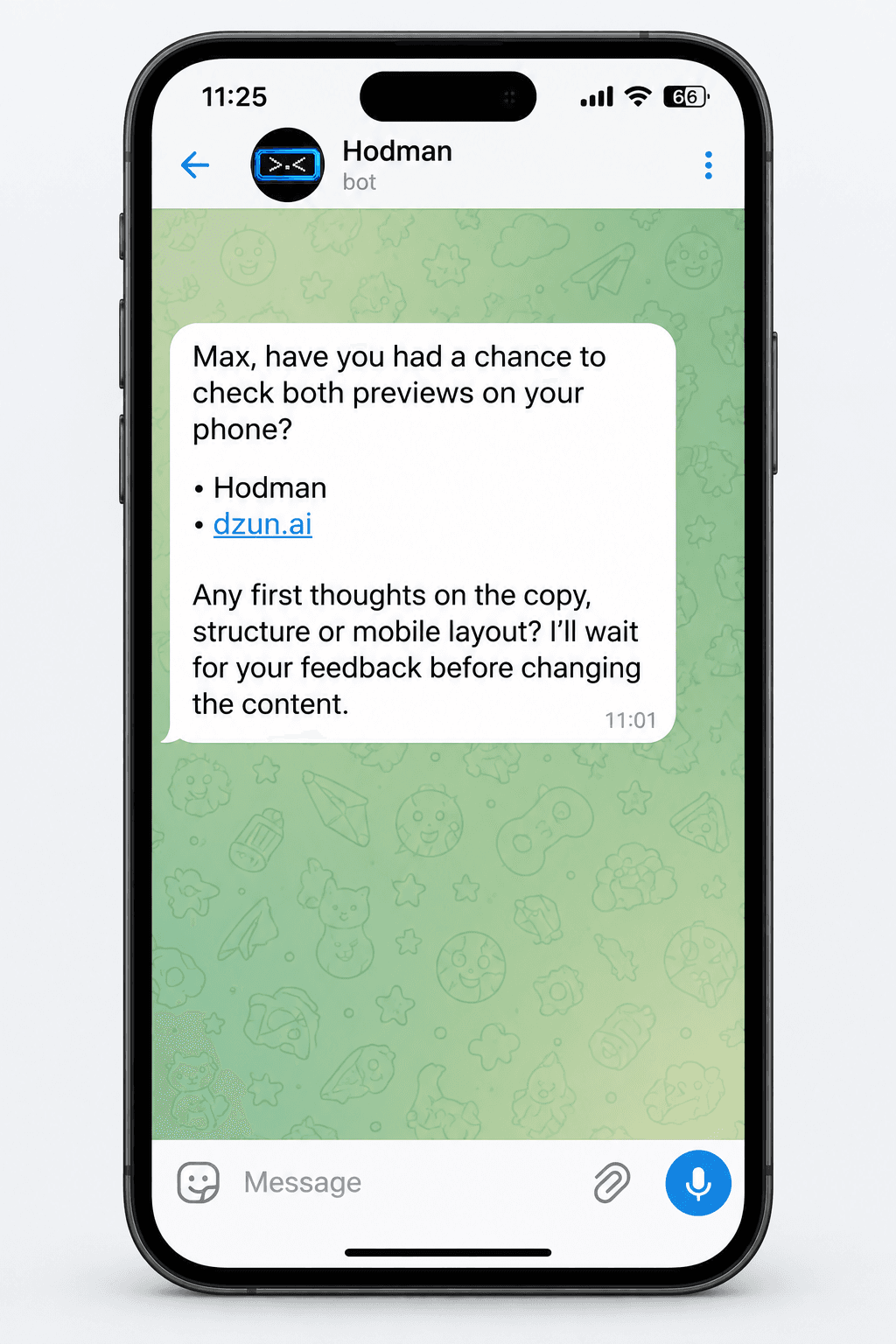
It works through the task, runs relevant checks and brings back the result with anything that still needs a person’s input.
It can return to unfinished work, ask for feedback and send a reminder in your team’s chat. Your colleague can reply in the same conversation.
Accepted decisions and working rules stay in project memory. Feedback helps shape how it handles the next task.
Authorize a project connector to reuse an existing CRM, document or internal-service integration. Credentials stay with the project that owns it.
Open the task board to see queued work, current progress and results ready for review. Open the project to inspect its files and preview.
That is enough for the first project. Add more people, integrations and automation after the workflow proves useful.